
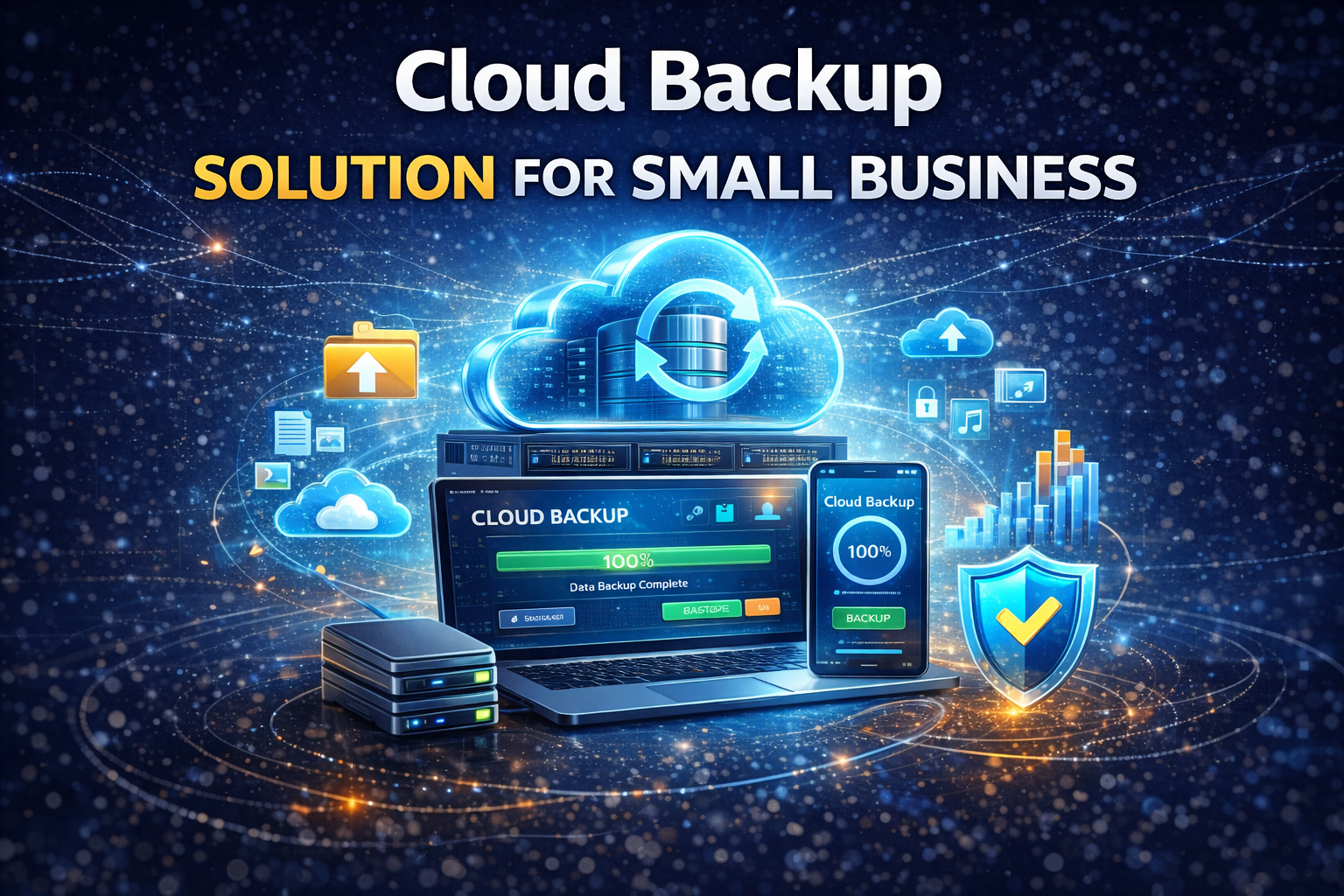
Cloud Backup Solution for Small Business: Secure, Affordable, and Scalable Data Protection
In today’s digital-first economy, data is one of the most valuable assets for any company. For entrepreneurs and SMEs, choosing the right cloud backup solution for small business is no longer optional—it’s essential for survival, security, and long-term growth. From ransomware attacks to accidental deletions and hardware failures, data loss can cripple operations overnight. This guide will help you understand cloud backup, why it matters, and how to choose the best solution for your small business in 2025.What Is a Cloud Backup Solution?
A cloud backup solution is a system that securely copies your business data to remote cloud servers. Unlike traditional local backups, cloud backups protect your files even if your office hardware is damaged, stolen, or compromised. With a reliable cloud backup solution for small business, your data remains accessible, encrypted, and recoverable anytime, anywhere.Why Small Businesses Need Cloud Backup
- Protection against cyberattacks like ransomware and malware
- Automatic backups reduce human error
- Lower costs compared to physical servers
- Business continuity during outages or disasters
- Compliance with data protection regulations
Key Features to Look for in a Cloud Backup Solution
1. Automated and Scheduled Backups
Automation ensures your data is protected without daily manual effort.2. Strong Security and Encryption
Look for AES-256 encryption, zero-knowledge architecture, and secure data centers.3. Scalable Storage
Your storage needs will grow—your backup solution should grow with you.4. Fast Recovery and Restore
Quick data restoration minimizes downtime and lost revenue.5. Multi-Device Support
Backup laptops, desktops, servers, and mobile devices from one dashboard.Cloud Backup vs Local Backup
| Cloud Backup | Local Backup |
|---|---|
| Offsite & secure | Onsite only |
| Automatic updates | Manual process |
| Accessible anywhere | Limited access |
| Subscription-based | Hardware costs |
Best Cloud Backup Solutions for Small Business in 2025
Popular options include:- Backblaze Business
- Acronis Cyber Protect
- Carbonite Safe
- IDrive Business
- Wasabi Cloud Storage
How Much Does Cloud Backup Cost?
Most cloud backup solutions for small businesses cost between $5–$15 per device per month. Pricing depends on storage size, advanced security features, and recovery speed. Compared to the cost of data loss, cloud backup remains one of the most affordable IT investments.Cloud Backup and Business Software Integration
Modern businesses often rely on multiple tools. Cloud backup works best when integrated with your existing systems such as accounting and project management software. For example, businesses using accounting software for small business or project management software for remote teams benefit greatly from centralized cloud backups.How to Choose the Right Cloud Backup Provider
- Assess your data volume
- Check security certifications
- Review recovery speed
- Compare pricing transparency
- Read real user reviews
FAQ: Cloud Backup Solution for Small Business
Is cloud backup safe for small businesses?
Yes. Reputable providers use enterprise-grade encryption and secure data centers.How often should backups run?
Daily or real-time backups are recommended for critical data.Can I restore individual files?
Most solutions allow granular file-level restoration.Do I need IT staff to manage backups?
No. Most cloud backup tools are user-friendly and require minimal setup.Final Thoughts
A reliable cloud backup solution for small business protects your data, your reputation, and your future. Whether you run an eCommerce store, agency, or startup, cloud backup is one of the smartest investments you can make in 2025.Call to Action
Don’t wait for data loss to happen. Choose a trusted cloud backup solution today and secure your business operations for the long term.🚨 AKSES TERBATAS — JANGAN SAMPAI KETINGGALAN!
🔥 Canva Premium GRATIS 1 Bulan — FULL AKSES 🔥
⚠ Password hanya dibagikan di video ini:
👉 @OM Koboi
⏳ Tunggu 60 detik untuk membuka akses
🔐 Masukkan Password:
❌ Password salah. Periksa lagi dengan teliti.
💬 Sudah banyak yang berhasil akses ✔
⚠ Yang gagal biasanya tidak membaca dengan teliti
⚠ Yang gagal biasanya tidak membaca dengan teliti
📢 Gabung Komunitas Resmi
Dapatkan update terbaru & bantuan di sini:
Advertisment
