
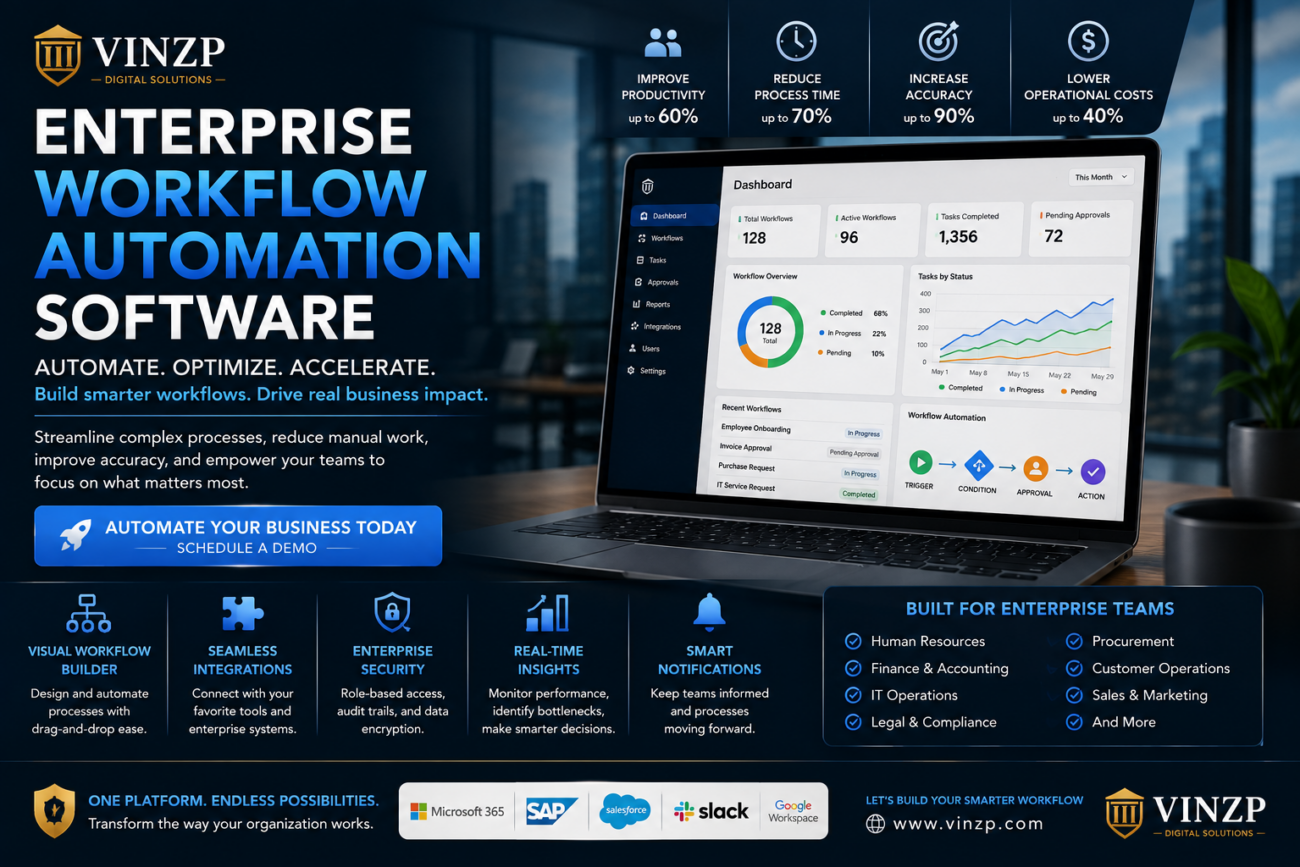
Enterprise Workflow Automation Software: A Complete Guide
Large organizations often manage hundreds or even thousands of daily processes across departments. Approvals, employee requests, customer onboarding, purchase orders, invoices, compliance checks, and internal communications can quickly become difficult to manage when they depend heavily on manual work. As businesses grow, inefficient processes can create delays, unnecessary costs, data-entry errors, and poor visibility. Enterprise workflow automation provides a way to connect these processes and move repetitive tasks through predefined digital workflows. For organizations looking to improve operational efficiency, enterprise workflow automation software can provide a centralized environment for designing, monitoring, and optimizing business processes. Instead of relying on emails, spreadsheets, and disconnected systems, teams can automate routine activities while maintaining appropriate human oversight.What Is Enterprise Workflow Automation Software?
Enterprise workflow automation software is technology designed to automate business processes across large organizations. It allows companies to define how tasks should move between people, departments, applications, and approval stages. A workflow might begin when a customer submits a form, an employee creates a request, or a transaction reaches a specific status. The system can then automatically assign tasks, send notifications, update records, request approvals, and trigger subsequent actions. The goal is not simply to eliminate human involvement. Instead, automation allows employees to spend less time on repetitive administrative work and more time handling activities that require judgment, creativity, and expertise.Common Workflow Automation Examples
- Employee onboarding
- Purchase approvals
- Invoice processing
- Customer onboarding
- IT service requests
- Expense approvals
- Contract review
- Compliance workflows
- Document approvals
- Customer support escalation
- Marketing campaign approvals
Why Enterprises Need Workflow Automation
Manual processes can work reasonably well when a company is small. However, the same processes may become inefficient as transaction volumes, employees, customers, and regulatory requirements increase. A simple approval that takes a few minutes may become a significant operational bottleneck when thousands of requests pass through an organization every month. Automation helps organizations create consistent processes that operate according to predefined rules. This can improve speed while also giving managers greater visibility into where work is delayed.Reducing Manual Work
Employees frequently spend valuable time copying information between systems, sending routine emails, checking approval status, and updating spreadsheets. These activities may be necessary, but many can be automated. Automated workflows can transfer information between connected systems and notify the appropriate employee when human action is required. This reduces repetitive administrative tasks without removing necessary decision-making.Improving Process Consistency
Manual workflows can vary depending on who performs a task. One employee may follow a different sequence from another, creating inconsistencies that become difficult to monitor. Automated workflows provide standardized rules. Every request can follow the appropriate sequence unless an authorized exception is introduced.Key Features to Look For
Not every automation platform is designed for complex enterprise environments. Organizations should evaluate whether a solution can support their operational scale, security requirements, integrations, and governance needs.Visual Workflow Design
A visual workflow builder allows business and technical teams to map processes without manually writing every automation rule. Drag-and-drop interfaces can make it easier to define triggers, conditions, approvals, and actions.System Integrations
Enterprise automation becomes more valuable when it can communicate with existing business applications. Depending on the organization, integrations may include customer relationship management systems, enterprise resource planning platforms, human resources applications, accounting software, communication tools, and databases. APIs and integration connectors can help move information between systems without requiring employees to manually enter the same data multiple times.Approval Management
Many enterprise processes require multiple levels of approval. Automation can route requests to the appropriate decision-makers based on criteria such as department, transaction value, location, or business unit. Automated reminders can also help prevent requests from remaining unnoticed in an employee’s inbox.Reporting and Analytics
Automation should not only move work forward. It should also help organizations understand how their processes perform. Dashboards and analytics can reveal processing times, bottlenecks, workload distribution, failed automation steps, and other operational trends. Managers can use this information to identify areas for improvement.How Workflow Automation Improves Enterprise Efficiency
The business value of automation extends beyond saving employees a few minutes per task. When small improvements are multiplied across thousands of transactions, the overall operational impact can become substantial.| Business Challenge | Automation Opportunity | Potential Benefit |
|---|---|---|
| Slow approvals | Automated routing and reminders | Faster decisions |
| Manual data entry | System-to-system integration | Fewer errors |
| Lost requests | Centralized workflow tracking | Better visibility |
| Inconsistent processes | Standardized workflows | Greater consistency |
| Limited reporting | Workflow analytics | Better management decisions |
Automation and Enterprise Security
Security is a major consideration when automating enterprise processes. Automated workflows may handle employee information, financial records, customer data, contracts, and other sensitive business information. Organizations should therefore evaluate access controls, authentication, encryption, audit capabilities, data retention, and administrative permissions when selecting an automation platform.Role-Based Access
Employees should only have access to the workflows and information required for their responsibilities. Role-based permissions can help organizations control who can create, modify, approve, or monitor automated processes.Audit Trails
Audit logs can provide visibility into workflow activity. They may record events such as who approved a request, when a task was completed, or when a workflow configuration was changed. This information can be valuable for internal governance, troubleshooting, and compliance processes.Workflow Automation and Artificial Intelligence
Artificial intelligence is increasingly being incorporated into business automation. AI can assist with tasks such as document classification, information extraction, customer communication, summarization, and decision support. For example, an automated workflow could receive an invoice, extract relevant information, identify the appropriate department, and route the document for approval. However, organizations should distinguish between automation and autonomous decision-making. Sensitive processes may still require human review, particularly when decisions affect customers, employees, finances, or compliance obligations.Choosing the Right Enterprise Automation Platform
Selecting a platform should begin with the organization’s actual business requirements rather than a list of impressive features. Before making a decision, companies should identify the processes they want to improve and determine how those processes currently operate.Questions to Ask Vendors
- Can the platform handle enterprise-scale workloads?
- Which business applications can it integrate with?
- Does it provide APIs and integration tools?
- How are user permissions managed?
- What reporting and analytics are available?
- Can business users create workflows without coding?
- How are automation failures monitored?
- Does the platform provide audit logs?
- What security certifications and controls are available?
- How does pricing change as usage grows?
Calculating the Business Value of Automation
Automation projects should ideally have measurable objectives. Businesses can compare the time and resources required by an existing manual process with the expected cost and performance of an automated workflow. Useful metrics may include processing time, employee hours, error rates, request volumes, customer response times, and the number of manual steps involved. For example, if employees collectively spend hundreds of hours each month processing routine requests, automating repetitive steps may produce measurable productivity improvements. However, organizations should also consider implementation costs, integration work, employee training, maintenance, and process redesign when calculating the overall return on investment.Common Workflow Automation Mistakes
Automation does not automatically fix a poorly designed process. If an inefficient workflow is simply transferred into software, the organization may automate the problem instead of solving it. Common mistakes include:- Automating processes before understanding them
- Choosing software based only on price
- Ignoring integration requirements
- Creating overly complicated workflows
- Failing to define ownership
- Ignoring security and permissions
- Skipping employee training
- Failing to monitor automation performance
- Automating decisions that require human judgment
How to Implement Enterprise Workflow Automation
A phased implementation can reduce operational disruption. Instead of attempting to automate every department at once, organizations can begin with one process that has a clear business case.Step 1: Identify a High-Value Process
Choose a process that is repetitive, measurable, and currently creates noticeable delays or administrative costs.Step 2: Map the Existing Workflow
Document every step, including inputs, approvals, exceptions, systems, and responsible employees. This creates a clear baseline before automation begins.Step 3: Redesign Where Necessary
Remove unnecessary steps and simplify the process before building the automated version. A simpler workflow is generally easier to maintain.Step 4: Build and Test
Create the workflow and test normal scenarios as well as exceptions. Testing should include incorrect data, missing approvals, system failures, and unusual requests.Step 5: Measure Results
Compare the automated process with the original baseline. Track processing time, errors, user adoption, and other relevant business metrics.Step 6: Expand Gradually
Once the initial workflow is stable, organizations can apply the lessons learned to other departments and processes.FAQ About Enterprise Workflow Automation
What is enterprise workflow automation?
It is the use of software to automate and manage business processes involving people, applications, data, approvals, and predefined rules across an organization.Can workflow automation replace employees?
Automation is primarily used to reduce repetitive administrative work and improve process efficiency. Employees can remain responsible for decisions that require judgment, expertise, communication, or oversight.Is workflow automation suitable for small businesses?
Yes. Although enterprise platforms are designed for larger organizations, businesses of different sizes can benefit from automating repetitive processes when the expected efficiency gains justify the investment.How does automation improve productivity?
It can reduce repetitive data entry, manual routing, status checking, and administrative communication. This allows employees to spend more time on higher-value activities.What should companies automate first?
Companies often benefit from starting with processes that are repetitive, high-volume, rule-based, and easy to measure, such as approvals, employee requests, invoice processing, or customer onboarding.Build a More Efficient Enterprise
Modern organizations need efficient processes to remain competitive. As transaction volumes increase and employees work across more systems, relying entirely on manual workflows can create unnecessary friction. Enterprise automation provides an opportunity to standardize repetitive processes, connect applications, improve visibility, and reduce administrative workloads. When implemented carefully, it can become an important part of a broader digital transformation strategy. Start with one high-impact process, measure the results, and expand automation strategically. A focused approach can help organizations achieve meaningful improvements without introducing unnecessary complexity.Conclusion
Enterprise workflow automation software can help organizations transform repetitive business processes into structured, measurable digital workflows. From approvals and employee onboarding to customer operations and financial processes, automation can improve speed, consistency, visibility, and productivity. The most successful implementations begin with a clear understanding of existing processes. Companies should prioritize high-value opportunities, select technology that integrates with their current environment, and maintain appropriate security and human oversight. Automation is not simply about doing more work with fewer manual steps. It is about creating smarter operational processes that allow employees and technology to work together more effectively as the organization grows.📌 Password available in the YouTube video: @Resa Coco — Join the Team Below ✅
⏳ Please wait 60 seconds to unlock access
Incorrect password. Please try again carefully.
💬 Have any tips or feedback? Feel free to share in the comments below!
📢 Support & Community Access
Join our community for guidance, troubleshooting, and the latest updates.
